
Four companies now promise an AI teammate that keeps working after you close the chat. They are not the same kind of product.
Meta Muse is aimed at personal and small-business work. OpenAI Dots focuses on ongoing knowledge work. Microsoft Copilot Autopilot is designed to operate inside an organization’s Microsoft environment. Grok Bot takes the “AI coworker” idea and lets you run several specialized Bots in parallel.
The best agent depends on where your work lives, what you want it to touch, and whether you need one assistant or a team.
This is a source-based comparison, not a hands-on benchmark. I reviewed company announcements and current product documentation on October 11, 2026. The supplied screenshots show how each company presents its product; they do not independently verify its claims. Features, availability, and prices can change quickly.
The quick answer
| If your main need is | Start by looking at |
|---|---|
Personal admin or a small business connected to social, commerce, and finance tools | Meta Muse |
| A persistent assistant for research and other ongoing desk work | OpenAI Dots |
Agent work grounded in a company’s Microsoft 365 tenant, identity, and governance | Microsoft Copilot Autopilot |
Several specialist agents working across apps and handing tasks to one another | Grok Bot |
The short version: Muse is the personal assistant, Dots the continuing knowledge worker, Autopilot the enterprise agent, and Grok Bot the multi-agent crew. Here are the trade-offs behind those labels.
Meta Muse: the personal assistant that can take action
Meta Muse is easy to picture in everyday life. Describe an outcome, such as organizing a trip, sorting email, or handling a small-business workflow, and Muse can work through browser and connected-app steps on a cloud computer. You can message it through the Muse app or WhatsApp. Meta says it retains conversation context and can advance longer-running goals while you are away.
For small businesses, Meta lists connectors including Canva, QuickBooks, Notion, Shopify, Slack, Stripe, and Zoom, plus Facebook and Instagram business accounts. Muse is free for most needs, with subscriptions for more usage and features. Connectors vary by account; check the app before planning a workflow. See Meta’s product announcement and small-business update.
Meta says each Muse runs in its own virtual machine, with a Sentinel agent controlling internet access. Sensitive actions require approval; the business announcement says nothing publishes, sends, or spends without it. These are vendor-described safeguards, not a guarantee against mistakes.
The catch is availability: Meta says Muse is available in the United States and Canada, with business features still rolling out. Check access before building a workflow around it.
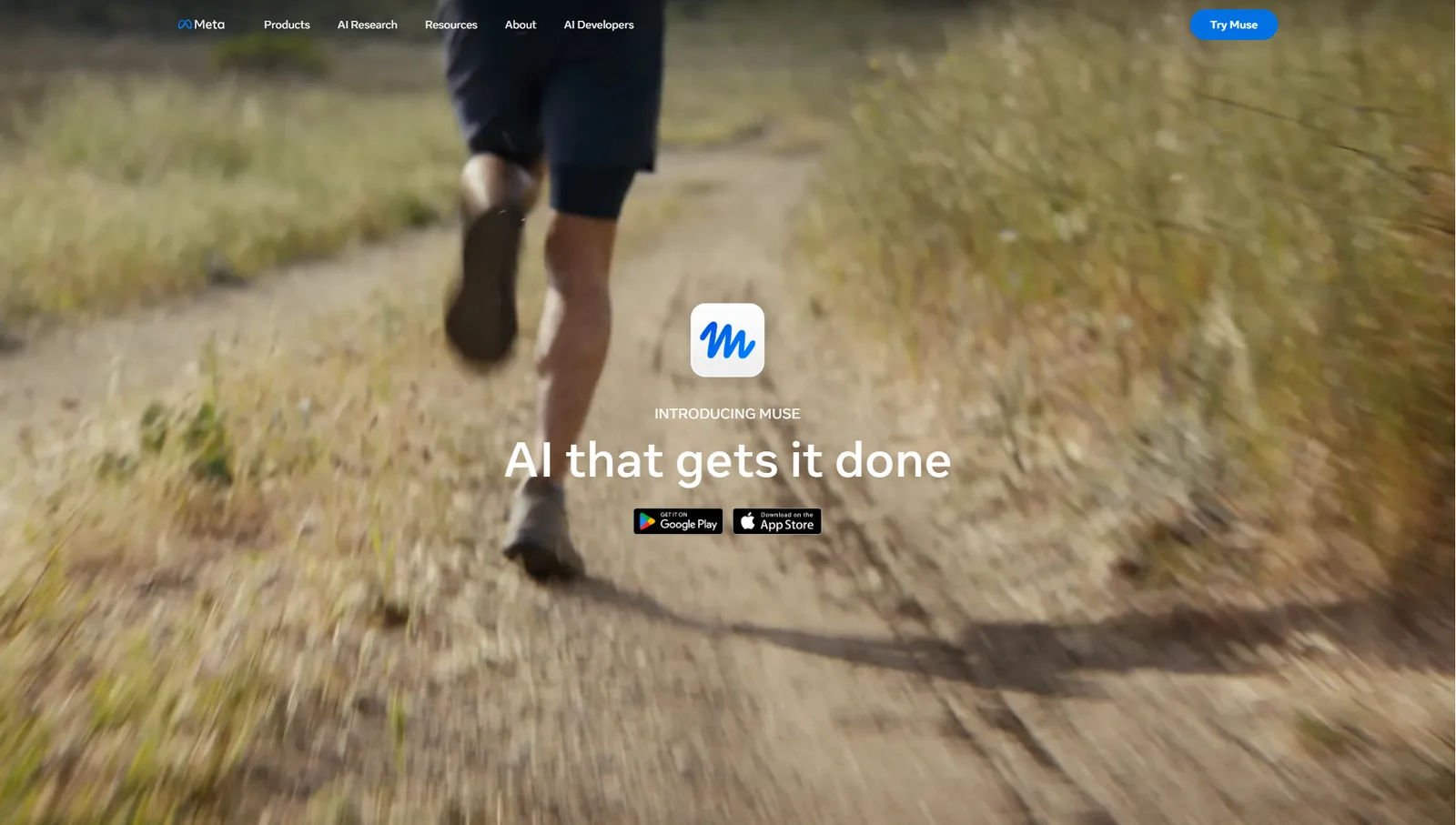
Meta’s product-page overview of Muse. Screenshot supplied for this article; product details are linked to Meta’s current documentation above.
Best fit: people who want a general-purpose assistant for personal admin, or small businesses already using Meta’s supported connectors.
Think twice if: you need broad country availability, a predictable enterprise deployment, or proof of reliability from independent tests.
OpenAI Dots: an assistant with a continuing job
OpenAI describes Dots as always-on agents with a cloud computer, memory, and access to apps you connect. Give one an ongoing responsibility and feedback as it works, instead of starting each session from zero. OpenAI says Dots use GPT-6 Astra and connect to more than 4,000 apps; available actions depend on your connections and permissions. See OpenAI’s launch announcement.
Access is tied to a ChatGPT plan. OpenAI says the first Dot is included with Pro and Business Premium. Pro access is rolling out in supported markets, excluding the European Economic Area, Switzerland, and the United Kingdom. Enterprise, Edu, and Healthcare workspaces can try the beta when an administrator enables it. Rollout is gradual; see OpenAI’s setup and availability guide.
That means “included with a paid plan,” not a separate Dots price. Check the plan cost and included work allowance in your region.
Dots suit recurring work: keeping research current, moving a project along, or tracking an ongoing responsibility. The promise is continuity across tasks and connected apps, not that a complex project will finish unattended.
Review permissions first. OpenAI says plugin permissions are shared across Dots, ChatGPT, ChatGPT Work, and Codex. Dots share memory with ChatGPT unless you turn that off, and some sensitive actions need approval or a handoff. OpenAI’s privacy and safety FAQ explains the controls.
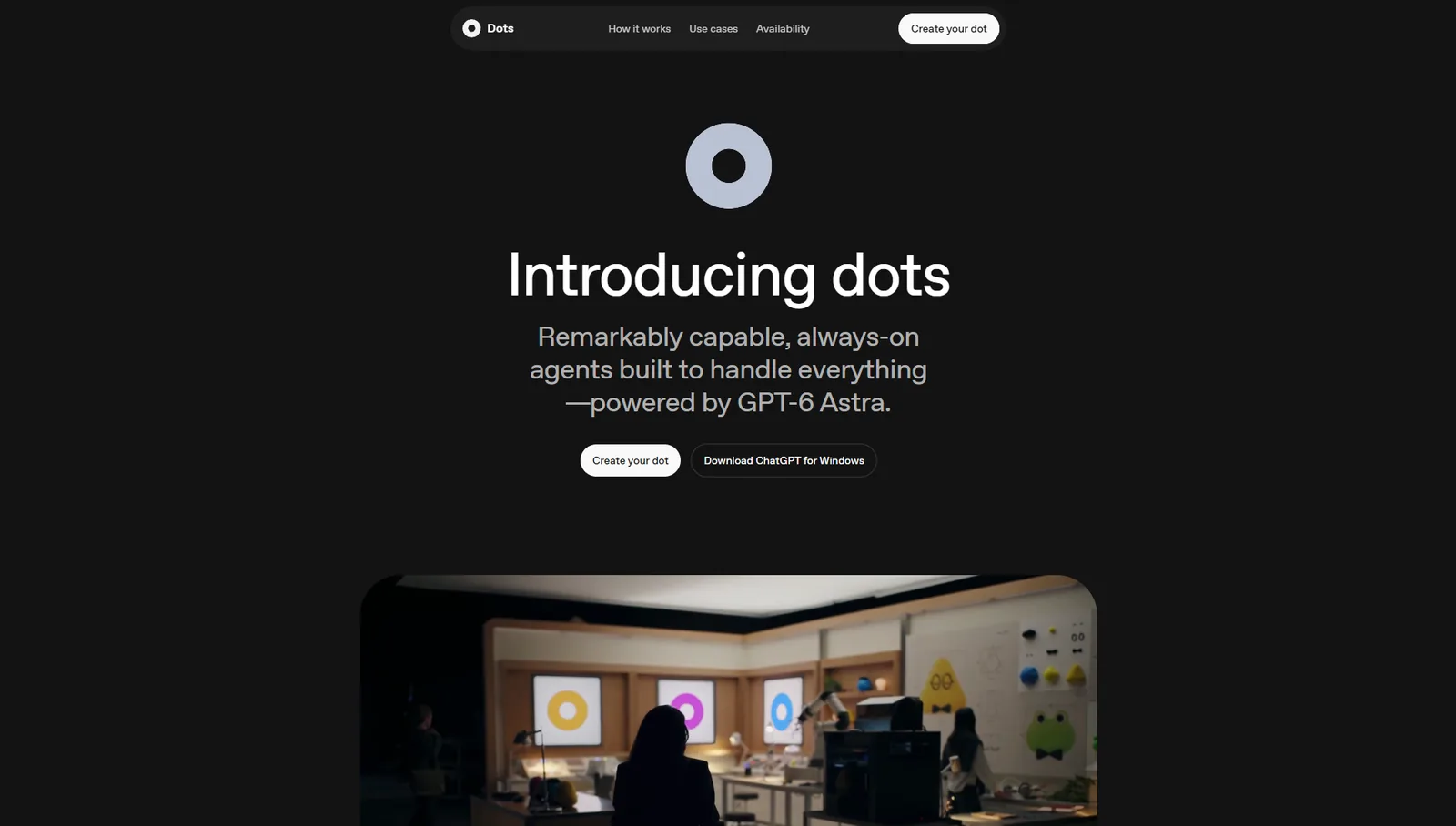
OpenAI’s Dots launch page. Screenshot supplied for this article; see OpenAI’s current help pages for rollout and safety details.
Best fit: people who already use ChatGPT and want an agent to carry context across longer-running research, planning, or professional work.
Think twice if: you need broad regional access today, or you are uncomfortable sharing existing app permissions and memory across OpenAI products.
Microsoft Copilot Autopilot: an agent inside the company boundary
Microsoft Copilot Autopilot is the enterprise-shaped option. Give it a name, role, and goal, and Microsoft says it can move work across channels, threads, meetings, and documents. It has its own identity, memory, computer, and workspace in the organization’s tenant, and uses Microsoft IQ and Work IQ for workplace context.
For a Microsoft 365 organization, its appeal is working where company data and identity controls already live. Microsoft’s supplier-review example includes planning, meeting coordination, and follow-ups; it is an illustration, not a promise that every tenant can automate the process today. Microsoft’s announcement describes the preview.
Two constraints stand out. Autopilot was expanding to private preview at September’s end, so it is not available to enable in every Microsoft 365 account. Advanced agentic work uses usage-based Copilot Credits on top of a required user subscription; Microsoft has no single universal Autopilot price. See its pricing-model announcement.
Best fit: organizations already standardized on Microsoft 365 that want an agent designed around tenant identity, work context, and IT governance, and can join the preview.
Think twice if: you are an individual or small team looking for something you can start using immediately, or you need a simple, fixed price before you can test the product.
Grok Bot: a roster of agents that can work in parallel
Grok Bot takes a team approach: create Bots for different jobs, assign work from desktop or mobile, and let them coordinate. You can teach one a repeatable workflow and save it as a routine. Bots use a persistent cloud computer to work through apps and websites. On October 11, 2026, the US product page listed Cursor Pro at $20 and SuperGrok at $30 per month, each including weekly Bot usage. These are subscription prices; tiers and usage limits differ.
The key limitation: all personal Bots share one cloud computer. Files, browser sessions, and logins are visible across them, so separate Bot names are not separate security boundaries. xAI’s computer and apps guide explains this. Websites may block automation, expire sessions, or require a person to step in.
Grok Bot may suit a founder or creator who wants durable roles for research, operations, and drafting, and can manage a shared environment. It is a poor fit when credentials or customer data need strict separation.
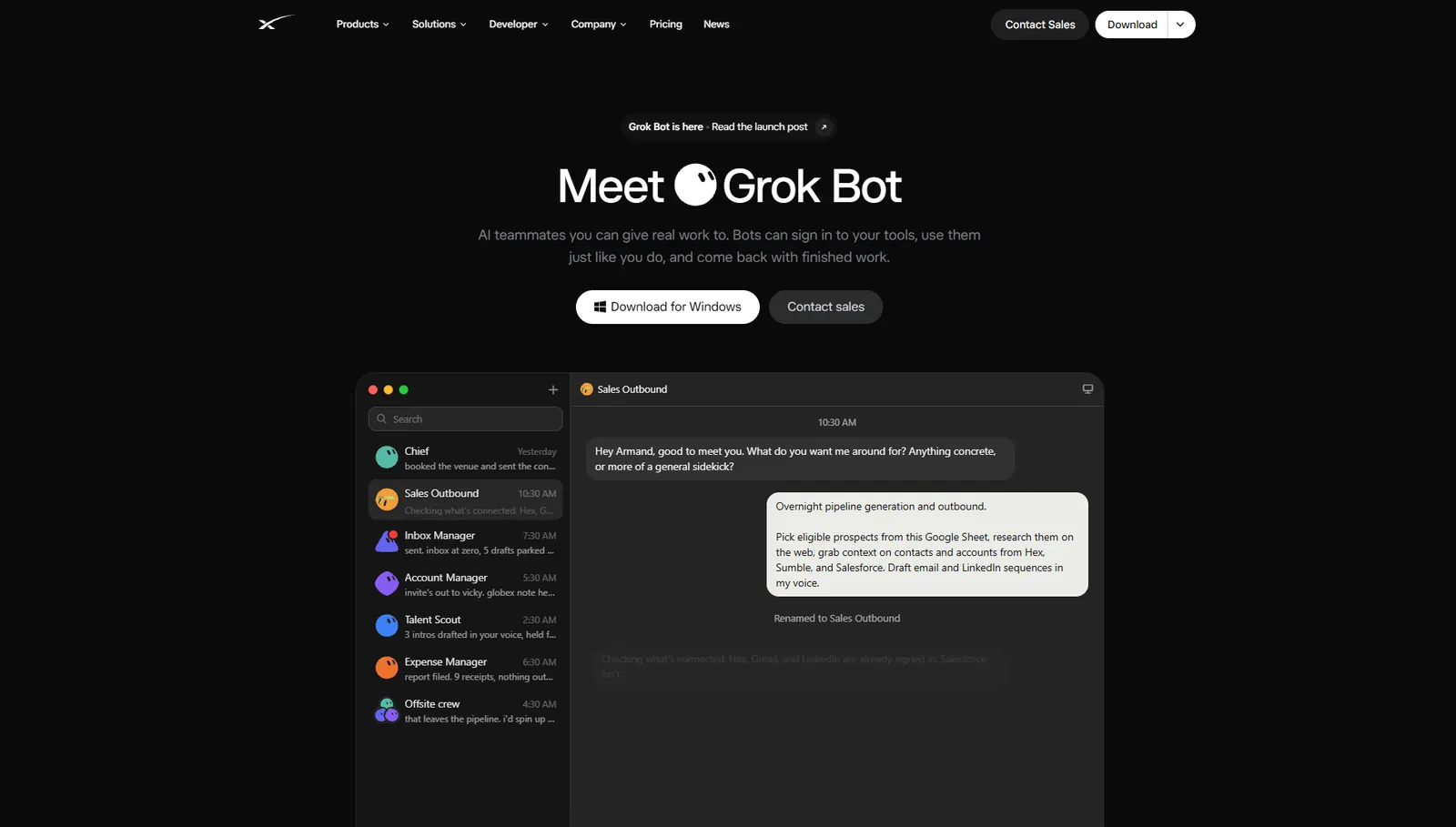
xAI’s Grok Bot product page. Screenshot supplied for this article; the example is product marketing, not an independent test.
Best fit: people who want multiple specialist agents, recurring routines, and broad computer-use workflows, and can keep shared credentials and files in mind.
Think twice if: different roles must be isolated from one another, or a website’s security checks and occasional human handoffs would break the workflow.
Which AI agent should you choose?
There is no universal winner from product pages: these tools target different customers and are at different rollout stages. A fair reliability test would need the same tasks, accounts, and success criteria across all four. This article is not that test.
Instead, make the choice with one real workflow in mind:
- Name the finished result. “Keep me organized” is vague. “Every Friday, reconcile new invoices and flag unmatched amounts for review” has a finish line.
- Check where the work lives. Meta’s connectors, OpenAI’s plugins, Microsoft 365, and Grok Bot’s shared computer are different routes to your apps. Confirm the exact connector, action, and account access you need.
- Decide what needs approval. Sending, publishing, purchases, and changes to important records should have a clear review boundary. Read how the product handles both approval and actions that can happen without it.
- Price the completed workflow. Compare the subscription, included usage, credit consumption, setup, and the time you still spend checking results. A low entry price is not automatically a low operating cost.
- Test with a reversible task. Use a copy of a document, a test inbox, or a low-risk recurring task. Verify the result in the destination app before widening access.
For personal admin, Meta Muse is the closest match. For continuing professional work in the OpenAI ecosystem, Dots is the clearest fit. For a Microsoft 365 organization that can join the preview, Autopilot is the enterprise option to watch. For a small roster of agents sharing a computer, Grok Bot is the most direct match.
My Gemini Spark workflow guide shows how to scope an operations assistant, test it, and keep approvals in the loop. The same discipline applies here: choose a bounded job, grant only needed access, and check its work before expanding that access.
The useful question is no longer “Which one is the smartest?” It is “Which one can finish this specific job, in the tools I already use, with controls I’m comfortable supervising?” For now, that is a better way to hire an AI employee.